See the week
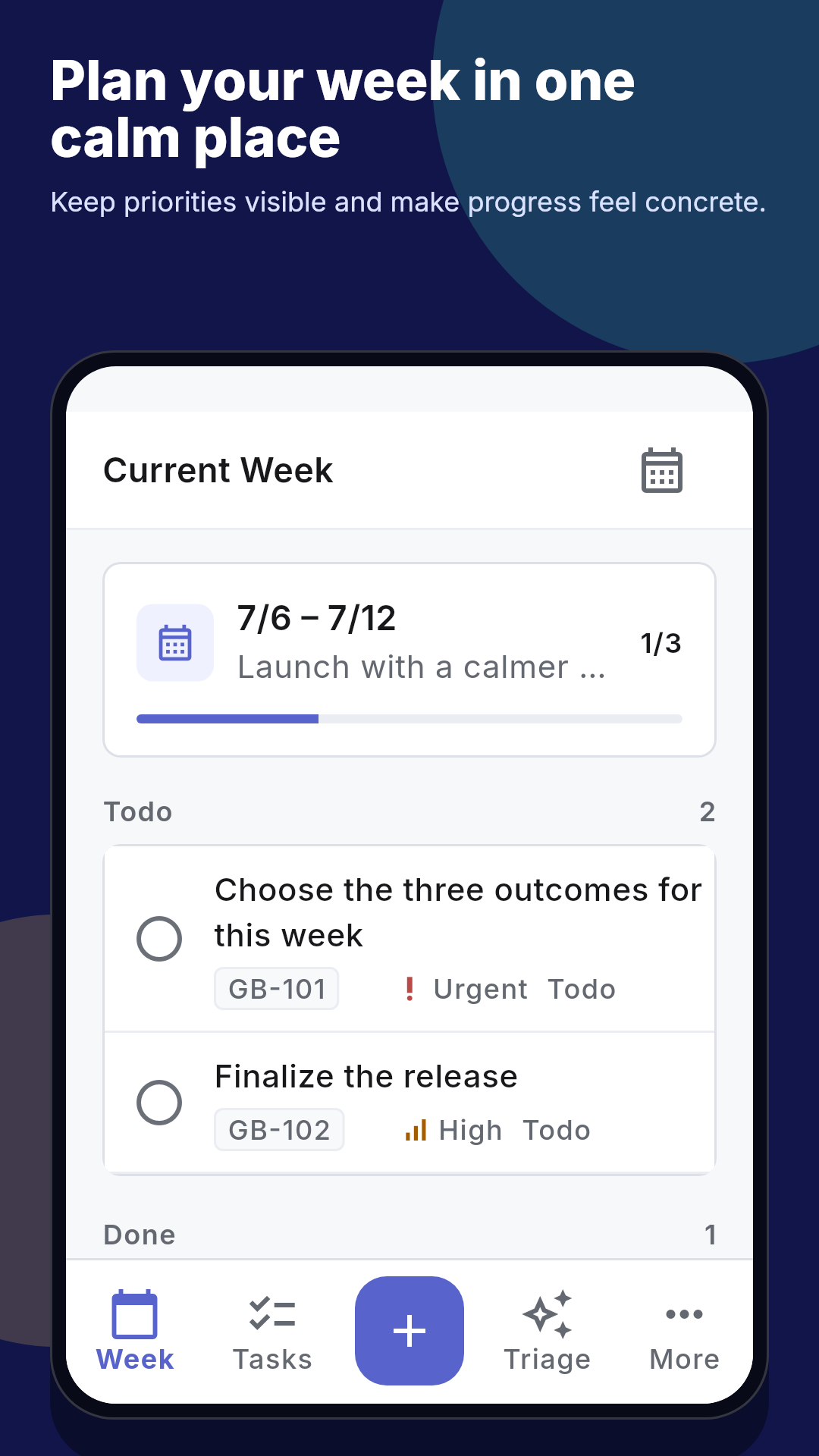
Bring dated tasks into Current Week and look ahead in Upcoming without losing today’s focus.
Explore the weekly planner →A weekly planner for real life
Keep this week close, everything else organized, and fresh ideas safely out of the way until you are ready for them.
Available on iPhone, Android, and the web.
One planning loop
Getsbetter separates the work you have chosen from the ideas you have only captured, so your week stays useful instead of becoming another endless list.
Bring dated tasks into Current Week and look ahead in Upcoming without losing today’s focus.
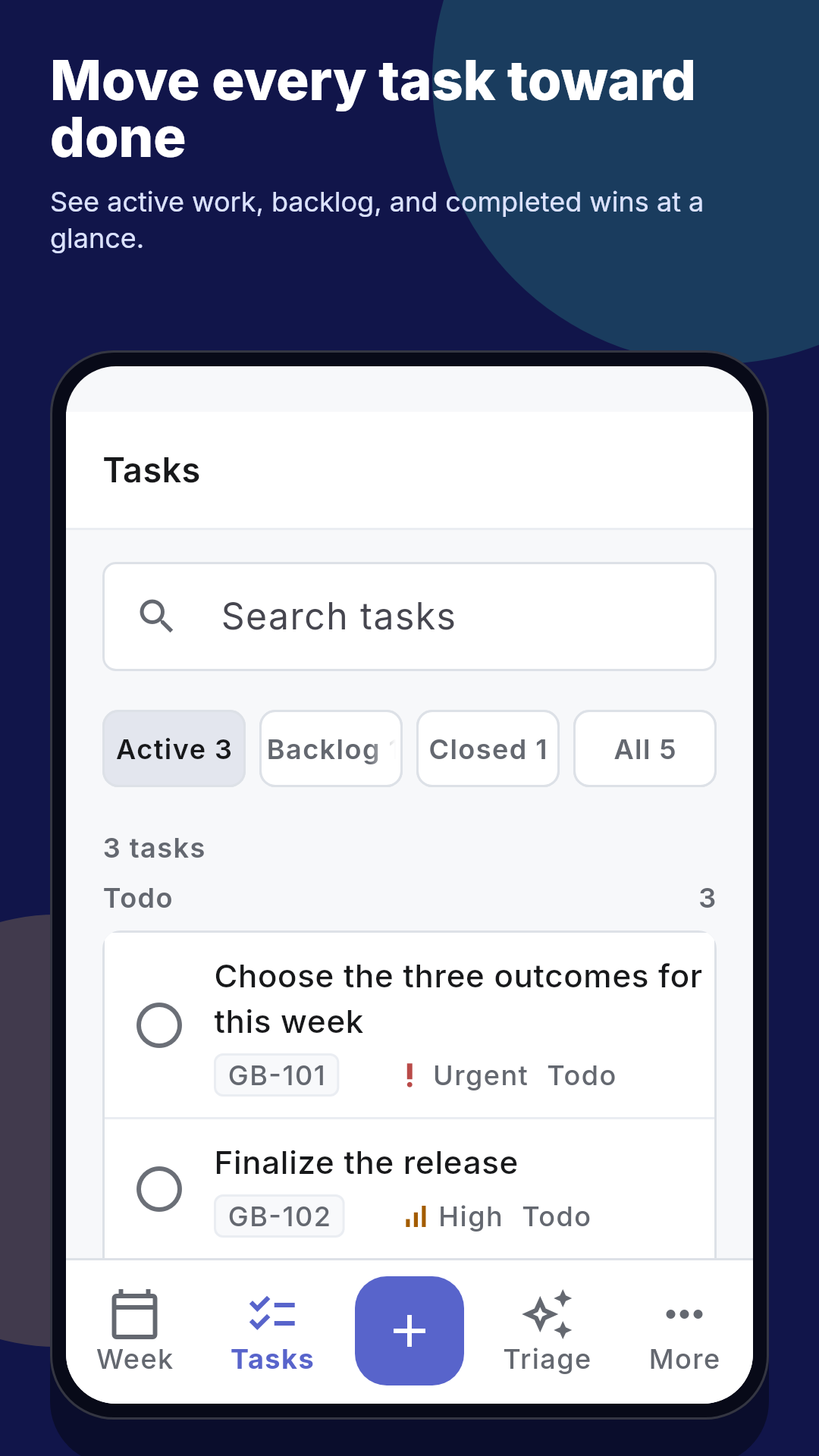
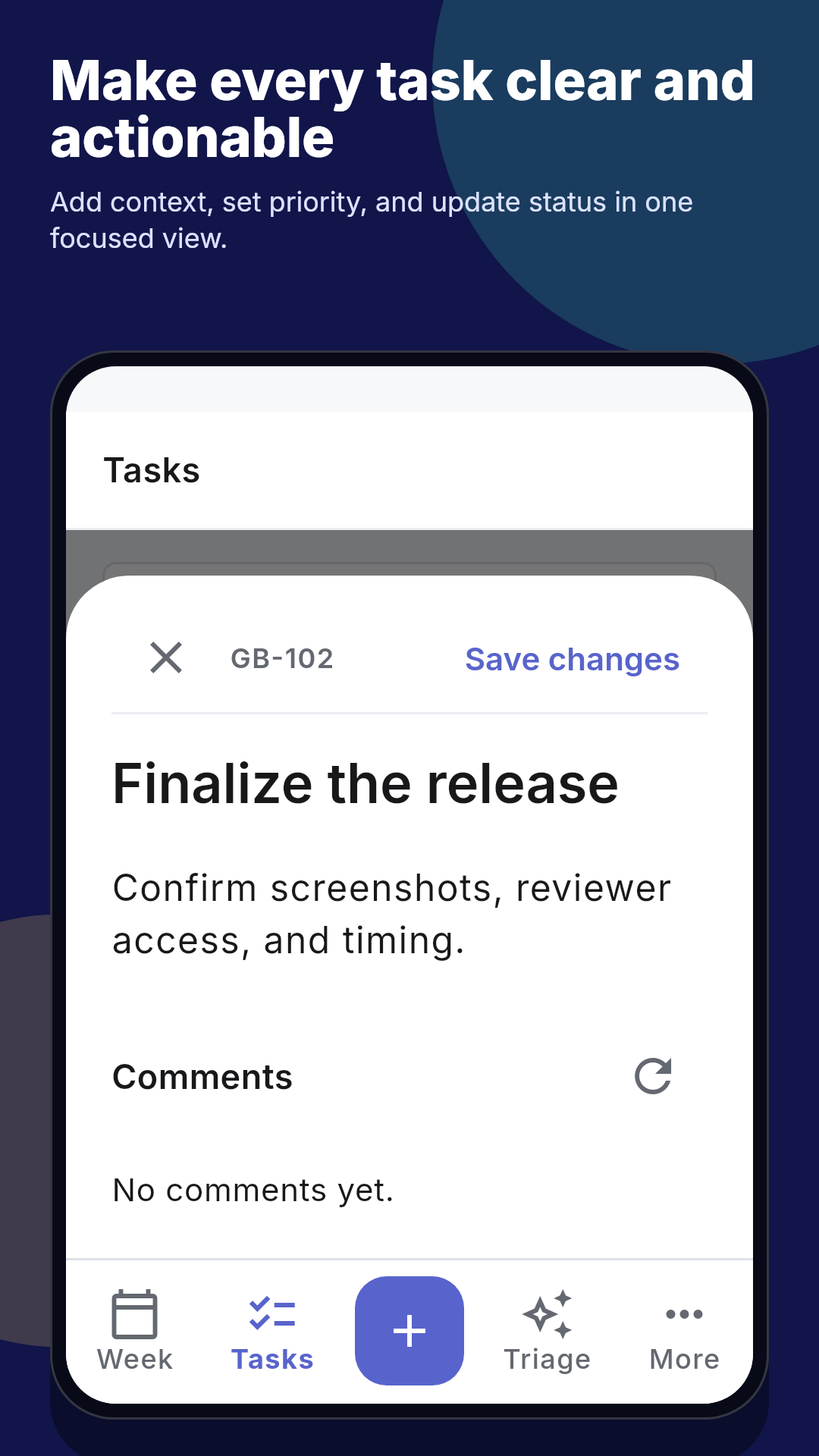
Explore the weekly planner →Add dates and priorities, filter or search the list, then complete tasks and reopen them when plans change.
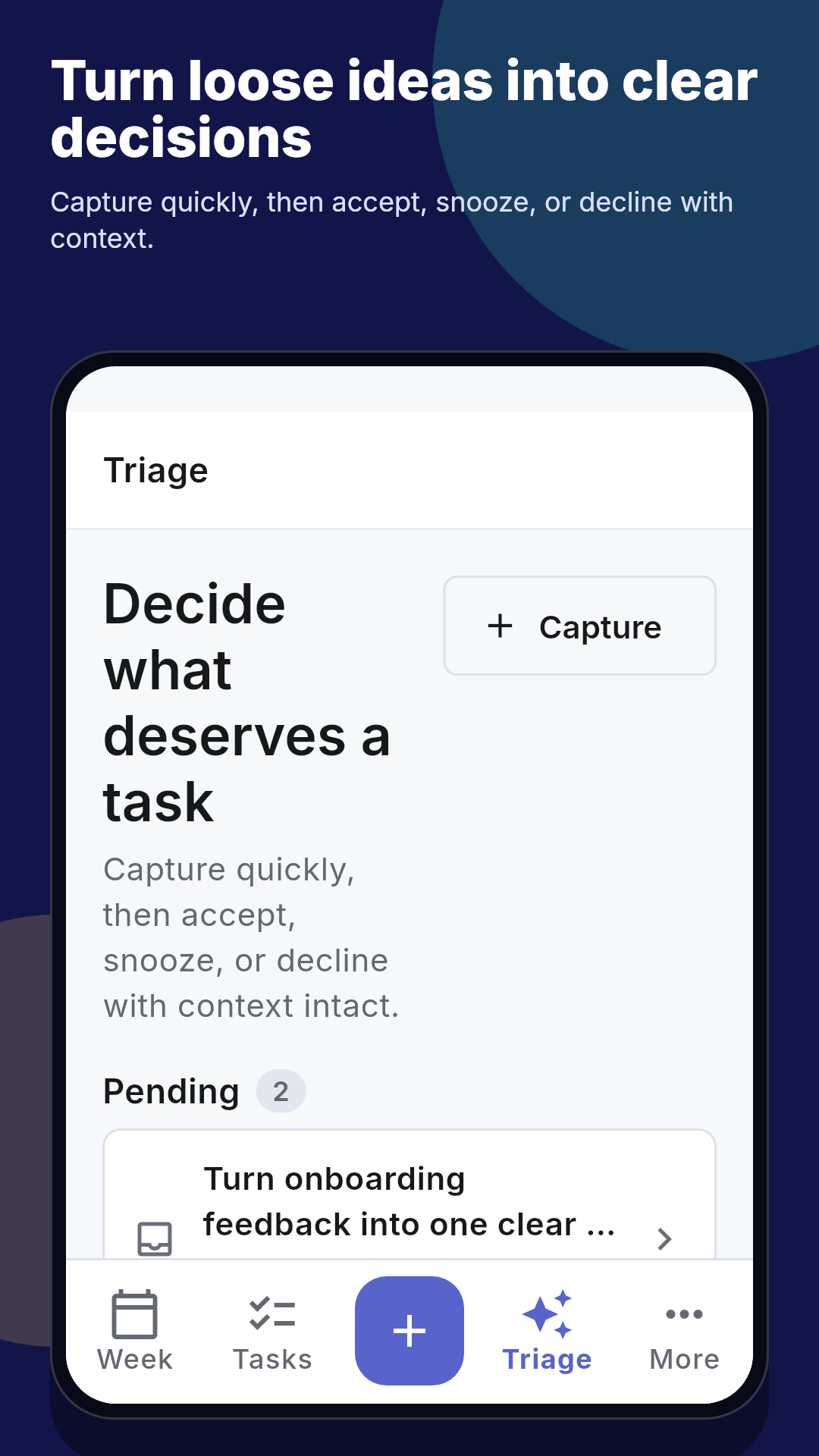
Explore task management →Capture a thought in Triage, then accept, snooze, decline, restore, or undo the decision on your terms.
Explore idea capture →The product, not a promise
Questions, answered
Plan Current Week, look at Upcoming work, manage tasks, and make decisions on ideas in Triage.
Yes. Complete and reopen tasks, restore declined ideas, and undo Triage decisions as your plans change.
Download Getsbetter from the App Store or Google Play, or sign in to the web application.
A calmer planning rhythm
Start with the planner that keeps the week in view.